Blogs

CMSV6 Platform Fast User Guide

CMSV6 Platform Fast User Guide

Function Description

This document aims to provide a quick start guide for first-time users of the CMSV6 Platform, helping them better understand and utilize the platform software.
Users can quickly familiarize themselves with the platform software by following this workflow:
[How to Log In to the Platform] > [Add Company Information] > [Add Vehicle Information] > [Device Reporting] > [Platform Monitoring]

Operation Instructions

Step 1: How to Log In to the Platform
1.1 HTTP Server
Open the following URL format in the browser address bar: […]
December 23, 2025|Categories: CMSV7 Help|

CMSV6 Login and Log out


CMSV6 Platform Login and logout

1.1 http server:

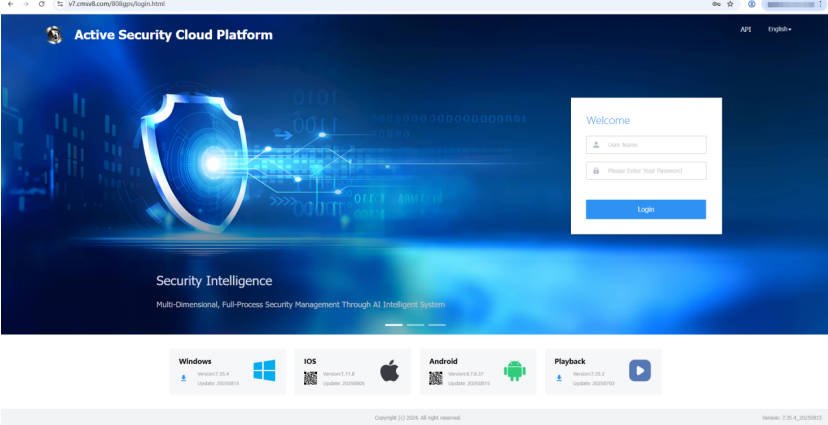
Open the IP web port of the cmsv6 http server (such as http://121.13.64.17:80) in the web address bar and enter the account number, password and verification code to log in.

cmsv6 login

1.2 https server:

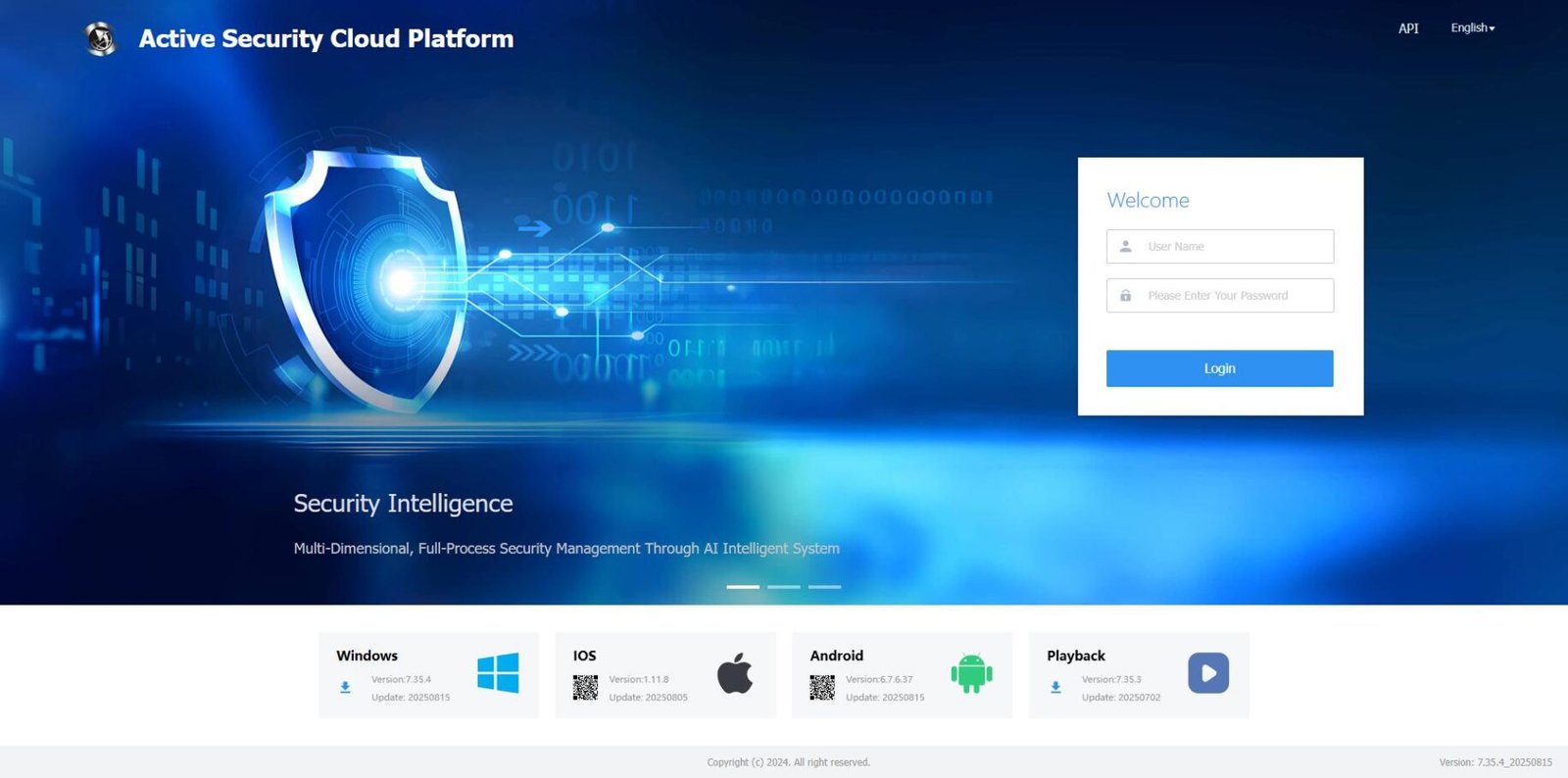
Open the cmsv6 https domain name (such as https://v7.cmsv8.com) in the web address bar, enter the account number, password and verification code to log in.

1.3 Exit

By clicking the current login user or the inverted triangle icon in the upper right corner of the web terminal, […]

December 11, 2025|Categories: CMSV7 Help|

CMSV6 Platform Fast User Guide

CMSV6 Platform Fast User Guide

Function Description

This document aims to provide a quick start guide for first-time users of the CMSV6 Platform, helping them better understand and utilize the platform software.
Users can quickly familiarize themselves with the platform software by following this workflow:
[How to Log In to the Platform] > [Add Company Information] > [Add Vehicle Information] > [Device Reporting] > [Platform Monitoring]

Operation Instructions

Step 1: How to Log In to the Platform

1.1 HTTP Server
Open the following URL format in the […]
December 11, 2025|Categories: CMSV7 Help|

CMSV6/V7 Update

CMS V6/V7 Version Update Logs

CMSV6 7.36.1 Version Update Notes

  1. Added the AI real-time risk assessment function. It can combine weather, road section status and vehicle operation data to conduct streaming statistical analysis of data within a certain period of time, enabling real-time judgment of driver behavior and vehicle risks.
  2. Added the AI comprehensive risk profile. It analyzes the daily driving risk situations of vehicles, drivers and enterprises from multiple dimensions including weather conditions, mental status, route safety, driving balance and work intensity.
  3. Added the comprehensive risk historical report. It allows querying the […]
December 11, 2025|Categories: CMSV7 Help|Tags: |
Go to Top